Bank Data Breach Checker
Check if login credentials linked to your Bank accounts were compromised.
Financial and crypto accounts are the ultimate prize for cyber thieves. Check your email against known breach repositories to stop unauthorized transfers and identity fraud.
Available features depend on your device and plan.
ON THIS PAGE
How breached data impacts Bank
Financial accounts do not get hacked by magic. They get hacked because criminals run stolen email-and-password combinations through automated credential stuffing tools until they hit a match.
Once inside, bad actors drain wallets, liquidate holdings, or initiate unauthorized payments before you notice the notification. If your credentials appeared in an old forum or shopping leak, your Bank could be directly in their crosshairs.
Scan your bank credentials
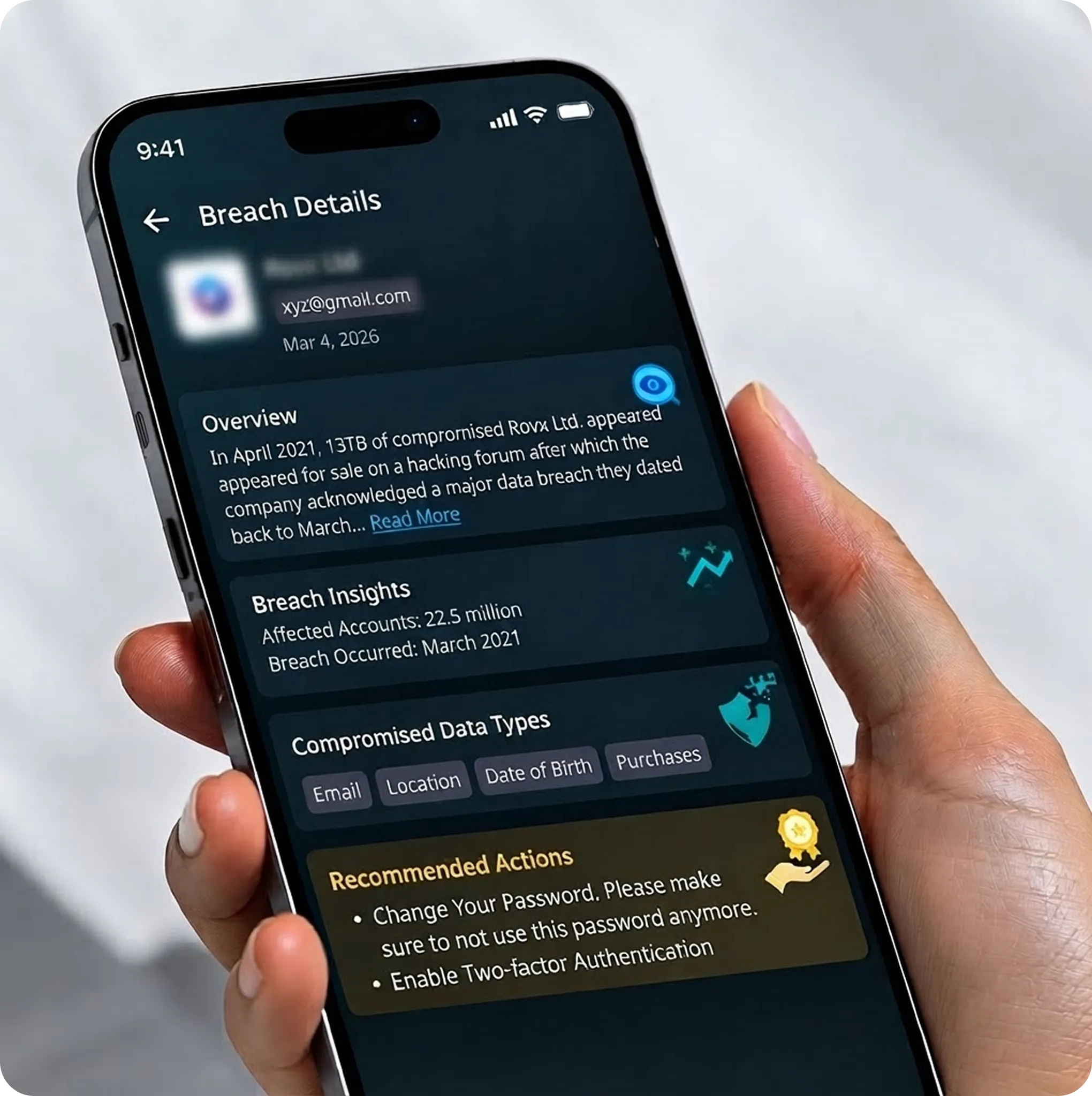
Enter the email address tied to your Bank. CYBX scans verified breach databases and dark web sources to see if your login data has been leaked.
How to check your bank exposure
- 1.Submit account email - Enter the primary email address you use for Bank.
- 2.Scan breach records - CYBX checks breach compilations and dark web listings for matching accounts.
- 3.Check exposed fields - Review whether passwords, PINs, or identity details were leaked.
- 4.Secure your funds - Change your password, freeze debit permissions, and enable authenticator apps.
Financial safeguards achieved
- •Stop unauthorized withdrawals: Block criminals from initiating fraudulent transfers.
- •Prevent identity impersonation: Keep thieves from opening unauthorized credit lines in your name.
- •Neutralize SIM swap attacks: Protect your mobile banking verification codes.
- •Shield payment cards: Spot compromises before mystery charges appear on your monthly statements.
- •Insured protection: CYBX plans include up to ₹1,00,000 in cyber fraud insurance.
Steps to take if your bank is exposed
- 1.Update your portal password - Create a unique, 16-character password you have never used anywhere else.
- 2.Lock down your phone number - Set up a carrier PIN with your mobile provider to prevent unauthorized SIM porting.
- 3.Switch to authenticator apps - Remove SMS verification where possible and use hardware keys or authenticator apps.
- 4.Inspect recent transactions - Review account statements for small test charges or unauthorized recurring debits.
Why Choose CYBX?
- •Complete mobile defense: CYBX does not stop at breach checks. It blocks malicious links, filters scam calls, and secures your phone.
- •Clear, practical advice: We tell you exactly what leaked and what steps to take next. No confusing technical jargon.
- •Real financial backup: Eligible CYBX plans include up to ₹1,00,000 in cyber fraud insurance to protect against direct monetary theft.
- •Strict privacy: We never sell your search data, track your lookups, or spam your inbox.
- •Fast and effortless: Get answers in under 10 seconds right from your browser or mobile app.
Frequently Asked Questions
Can thieves steal money just from knowing my email?
No. An email address alone is not enough to steal funds. However, if your password leaked alongside it, they will test those credentials on banking and crypto exchanges.
What should I do if my Bank email appears in a breach?
Immediately change your password on that portal. Check for any unknown devices in your security settings and turn on app-based two-factor authentication.
Does CYBX protect me against unauthorized digital banking fraud?
Yes. CYBX offers real-world cyber fraud insurance up to ₹1,00,000 on eligible plans to cushion you against unauthorized online transactions.
Secure your
device with CYBX.
Complete mobile protection against phishing, malware, fraud and data theft. Free for the first 14 days.
Trusted by over 500,000 users. Prefer to subscribe on the web and save?
See web prices

Scan to download
CYBX website · iOS and Android