Malware Protection
Stay safer from malicious apps, suspicious files and harmful activity with CYBX ...
Stay safer from malicious apps, suspicious files and harmful activity with CYBX Malware Protection. Scan your device, identify potential threats and take action before malware puts your personal data, accounts or device at risk.
Available features depend on your device and plan.
ON THIS PAGE
What is Malware?
Malware is malicious software designed to perform unwanted or harmful actions on a device. It can include viruses, trojans, spyware, worms, ransomware and other malicious programs. Depending on the threat, malware may steal information, monitor activity, disrupt a device, gain unauthorized access or damage files.
Malware can reach smartphones through malicious apps, unsafe downloads, compromised websites, suspicious links, phishing messages or sideloaded APKs. A malware protection app can help identify suspicious activity and give you a clearer view of your device security.
How to Use CYBX Malware Protection
- 1.Open CYBX - Launch the CYBX app and access the device security or malware protection feature.
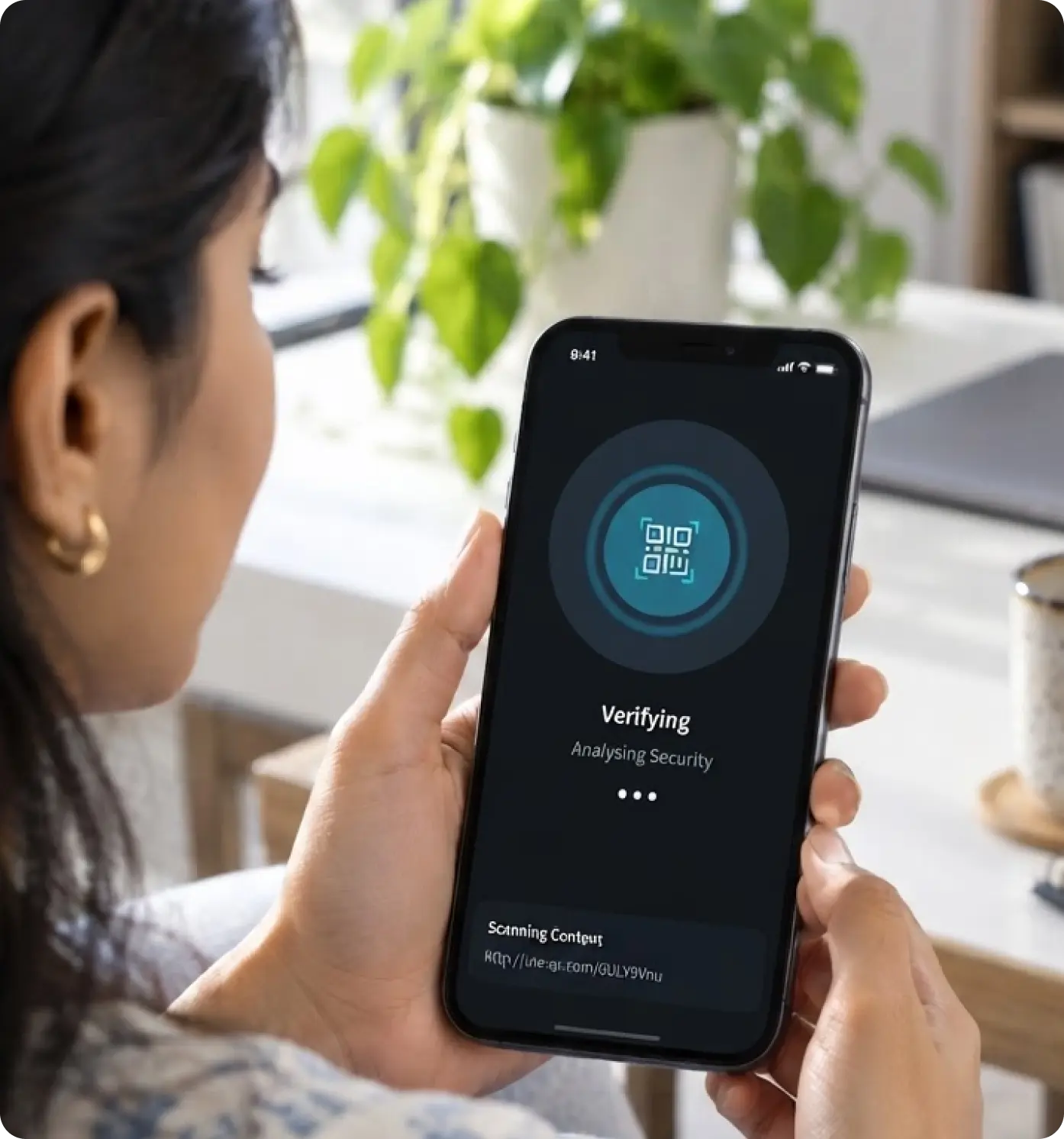
- 2.Start a malware scan - Run a mobile virus scan to check the device and supported apps for suspicious threats.
- 3.Review detected risks - If malware detection identifies a potential threat, review the app or activity flagged by CYBX.
- 4.Take recommended action - Remove, disable or otherwise secure the affected item using the action recommended by CYBX.
- 5.Rescan and stay protected - Run another malware scanner check after remediation and keep your device and apps updated.
How to Remove Malware from Android
If you think your Android phone has malware, start by identifying suspicious apps or activity. Run a malware scanner for Android, review recently installed or unfamiliar apps, remove apps you do not trust, update Android and your apps, and rescan the device. If the issue continues, consider changing important account passwords from a trusted device and seeking professional technical support.
Benefits of Malware Protection
- Detect suspicious threats - Identify potential malware and suspicious applications before they create further risk.
- Scan your mobile device - Use a malware scanner for Android or appropriate mobile security checks to assess device risk.
- Reduce malware-related risk - Help protect personal information, accounts and device activity from malicious software.
- Spot risky applications - Review suspicious or potentially harmful apps and take appropriate action.
- Get actionable security guidance - Understand what was detected and what steps can help secure your device.
- Stay security-aware - Learn how malware enters devices and how safer app, link and download habits reduce exposure.
Why Choose CYBX for Malware Protection?
- •Mobile-first security experience: Designed around the threats people encounter on connected devices.
- •Action-oriented detection: Focus on identifying suspicious activity and helping users understand what to do next.
- •Part of a broader security ecosystem: CYBX can connect malware protection with other device and cyber-risk signals.
- •Simple user experience: Security information should be understandable without requiring technical expertise.
- •Built for everyday digital threats: Help users respond to malicious apps, suspicious activity and unsafe digital behavior.
Malware Protection FAQs
What is malware?
Malware is software intentionally created to perform harmful or unauthorized actions on a device. Viruses, trojans, spyware, worms and ransomware are common categories.
Do I need a malware protection app on my phone?
A security app can provide additional visibility into suspicious applications and device risks. The right level of protection depends on your device, operating system and how you use it.
What is a malware scanner?
A malware scanner checks supported files, applications or device activity for indicators associated with malicious software.
How can I check my phone for malware?
Use a reputable malware protection or security solution, review unfamiliar apps and permissions, keep your operating system updated and investigate unusual behavior such as persistent pop-ups or unexpected app activity.
How do I remove malware from Android?
Run a malware scan, identify suspicious applications, uninstall apps you do not trust, update your device and rescan. For persistent compromise, seek expert assistance.
What is the best malware cleaner?
The best malware cleaner depends on the device, operating system and threat. Look for reliable detection, clear remediation guidance, regular security updates and a transparent user experience.
What is good malware removal software?
Good malware removal software should detect a broad range of threats, provide actionable remediation and update its threat intelligence regularly.
Can I use an online malware scanner?
Online malware scanning can be useful for checking specific files or URLs, but it is not always a substitute for protection running on the device itself.
Can CYBX scan iPhones for malware?
The capabilities available on iOS differ from Android because of Apple's platform security model. CYBX should communicate only the iOS security checks and protections actually supported by the app.
What is the difference between malware and a virus?
A virus is one type of malware. Malware is the broader category covering malicious software such as viruses, trojans, spyware, worms and ransomware.
Secure your
device with CYBX.
Complete mobile protection against phishing, malware, fraud and data theft. Free for the first 14 days.
Trusted by over 500,000 users. Prefer to subscribe on the web and save?
See web prices

Scan to download
CYBX website · iOS and Android