Rediffmail Account Recovery
Official recovery steps and breach diagnostics for hacked or locked Rediffmail accounts.
A compromised Rediffmail account puts every connected bank, social, and shopping account at risk. Follow official recovery workflows, remove hidden forwarding rules, and check breach exposure.
CYBX provides official recovery playbooks and data breach diagnostics. Always recover accounts exclusively through Rediffmail's official portal (support.rediff.com).
ON THIS PAGE
Why Rediffmail accounts get hijacked
Email and cloud storage accounts act as the master key to your digital life. Attackers who crack Rediffmail use password reset links to hijack banking, crypto, and social accounts within minutes.
Even if you still have access, hackers often leave silent mail forwarding rules or rogue OAuth app tokens active so they continue receiving copies of your bank statements and OTPs.
Check if your Rediffmail email or phone leaked
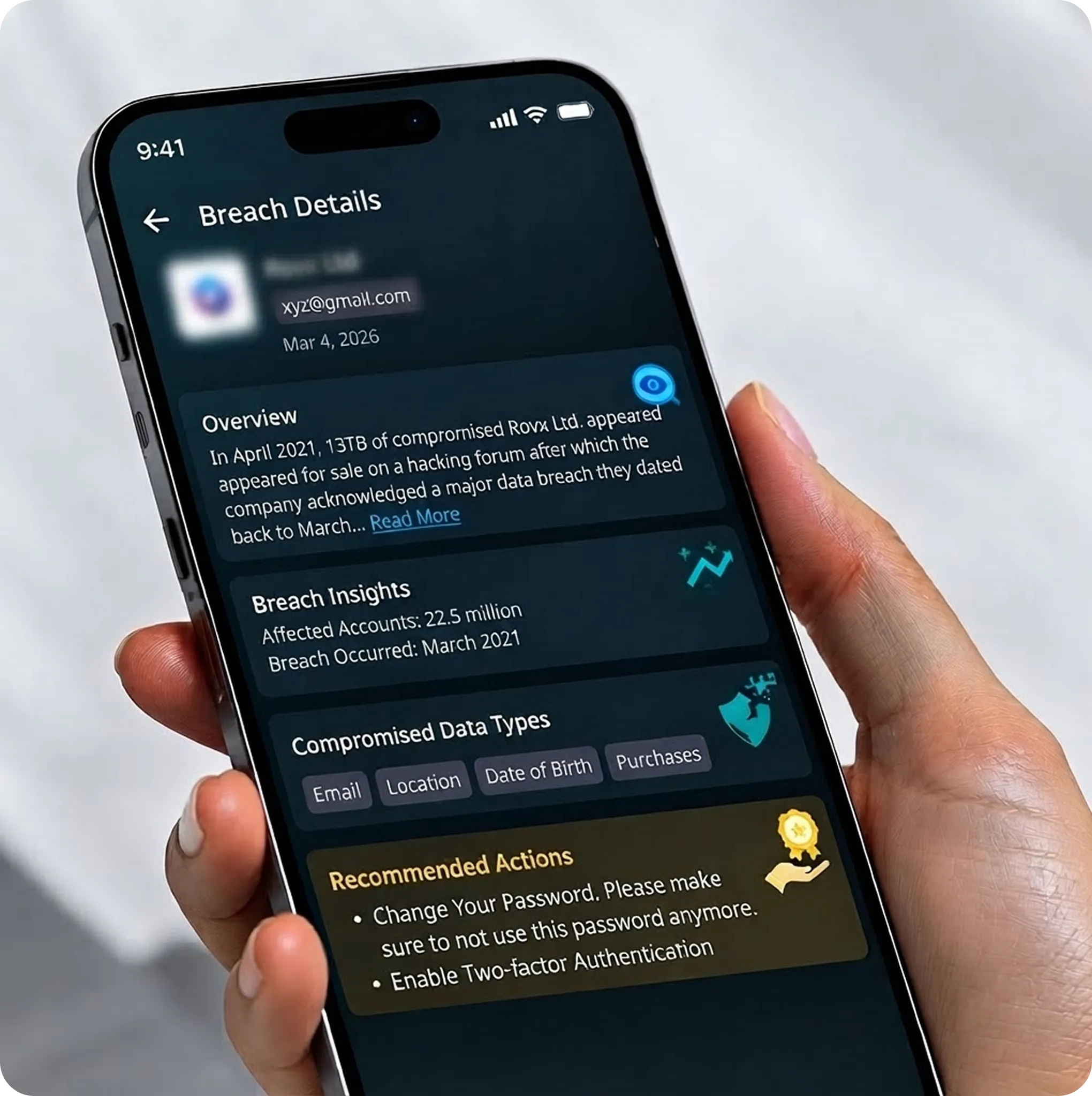
Before resetting your Rediffmail credentials, check if your linked email address or phone number leaked in past data breaches. CYBX scans verified breach dumps and infostealer logs in seconds so you can close the root vulnerability.
Official Rediffmail Recovery Steps
- 1.Start official Rediffmail recovery - Go directly to support.rediff.com using a trusted home computer or phone where you previously signed into Rediffmail.
- 2.Remove hidden forwarding rules - Once inside, inspect mail settings, filters, and forwarding rules immediately and delete any unfamiliar external forwarding addresses.
- 3.Revoke active sessions and OAuth apps - Sign out of all other web sessions and remove third-party app connections you do not recognize.
- 4.Check breach logs and add passkeys - Scan your Rediffmail address in CYBX to see where your password leaked, then enable app-based 2FA or passkeys.
What You Protect by Acting Fast
- •Eliminate silent email snooping: Catch hidden forwarding filters sending bills and OTPs to attackers.
- •Stop cascading account takeovers: Protect every banking and social account tied to your Rediffmail recovery email.
- •Protect cloud files and backups: Prevent private documents, tax returns, and photos from being downloaded.
Why Choose CYBX?
- •Root-cause breach detection: Check in seconds if leaked passwords or stealer logs caused your account takeover.
- •Active device defense: CYBX blocks phishing links, filters scam calls, and protects your mobile device against spyware.
- •Real financial backup: Eligible CYBX plans include up to ₹1,00,000 in cyber fraud insurance for direct monetary theft.
- •Zero false promises: Honest, verified official recovery playbooks with zero risk of fake recovery scams.
- •Strict data privacy: We never store your search inputs or share your personal details.
Frequently Asked Questions
What should I check first after recovering my Rediffmail account?
Check your email forwarding settings, auto-reply rules, and connected third-party apps immediately. Hackers frequently leave forwarding rules behind to keep reading your incoming mail.
Why does Rediffmail ask for old passwords during recovery?
Entering a previous password from a trusted device helps Rediffmail's automated security system confirm you are the legitimate owner.
Secure your
device with CYBX.
Complete mobile protection against phishing, malware, fraud and data theft. Free for the first 14 days.
Trusted by over 500,000 users. Prefer to subscribe on the web and save?
See web prices

Scan to download
CYBX website · iOS and Android