Tumblr Account Recovery
Step-by-step official recovery guide and breach check for compromised Tumblr accounts.
Lost access to your Tumblr account after a hack, email change, or suspicious login? Follow verified recovery steps to reclaim your profile, evict intruders, and check if your credentials leaked.
CYBX provides official recovery playbooks and data breach diagnostics. Always recover accounts exclusively through Tumblr's official portal (tumblr.com/support).
ON THIS PAGE
Why Tumblr accounts get hijacked
Attackers hijack Tumblr accounts using phishing links, reused passwords from unrelated site leaks, or malware that steals active browser session cookies. Once inside, they immediately change your linked email, phone number, and two-factor authentication.
Warning: Never pay third-party "recovery hackers" on Telegram or social media who claim they can break your account back open. Only Tumblr's official support portal (tumblr.com/support) can restore account ownership.
Check if your Tumblr email or phone leaked
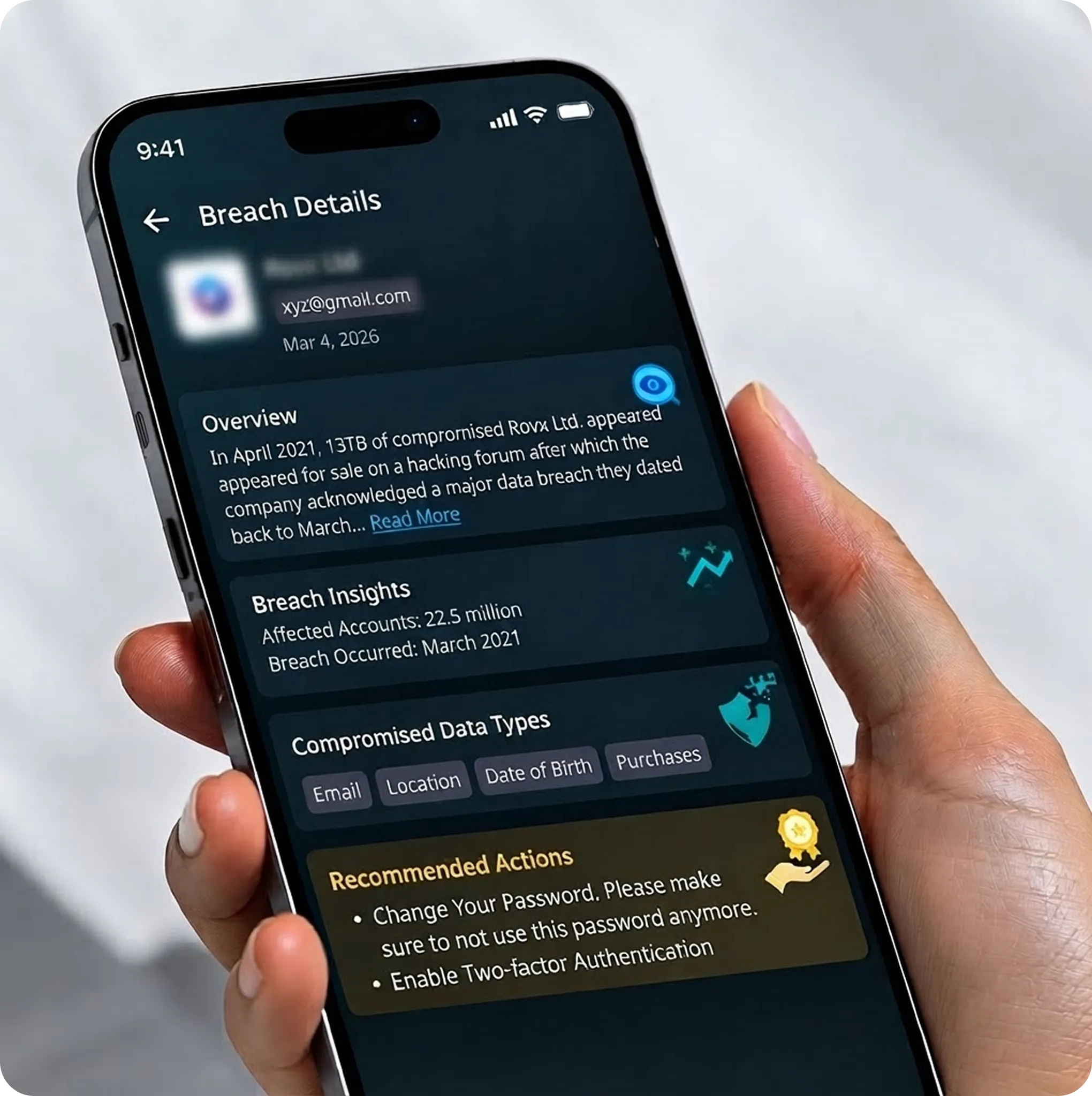
Before resetting your Tumblr credentials, check if your linked email address or phone number leaked in past data breaches. CYBX scans verified breach dumps and infostealer logs in seconds so you can close the root vulnerability.
Official Tumblr Recovery Steps
- 1.Check your email for change alerts - Search your inbox for security emails from Tumblr notifying you of an email or password change, and click the "Revert this change" link immediately.
- 2.Use Tumblr's official recovery portal - Visit tumblr.com/support from a device and Wi-Fi network you previously used to log into Tumblr.
- 3.Verify identity and revoke sessions - Complete any video selfie, backup code, or ID check requested by Tumblr, then sign out of all active sessions and unknown connected apps.
- 4.Scan your email for leaks - Run your registered email through CYBX Data Breach Checker to ensure the same password is not exposed on other accounts.
What You Protect by Acting Fast
- •Stop friend impersonation scams: Prevent hijackers from messaging your contacts for urgent money transfers.
- •Protect private chats and media: Keep personal photos, drafts, and direct messages out of criminal hands.
- •Avoid fake recovery fraud: Rely strictly on official Tumblr verification rather than paying scammers.
- •Lock down linked accounts: Prevent attackers from pivoting from Tumblr into your primary email inbox.
Why Choose CYBX?
- •Root-cause breach detection: Check in seconds if leaked passwords or stealer logs caused your account takeover.
- •Active device defense: CYBX blocks phishing links, filters scam calls, and protects your mobile device against spyware.
- •Real financial backup: Eligible CYBX plans include up to ₹1,00,000 in cyber fraud insurance for direct monetary theft.
- •Zero false promises: Honest, verified official recovery playbooks with zero risk of fake recovery scams.
- •Strict data privacy: We never store your search inputs or share your personal details.
Frequently Asked Questions
Can I recover my Tumblr account if the hacker changed my email and phone?
Yes. Use tumblr.com/support from a device you previously logged in from. Tumblr keeps a record of your original contact details and device fingerprint to verify ownership.
Can CYBX unlock my Tumblr account directly?
No third-party service can directly unlock a Tumblr account. CYBX helps you diagnose if a data breach leaked your password, secures your phone against spyware, and guides you through official recovery.
How do I stop Tumblr from getting hacked again?
Use a unique 16-character password, switch two-factor authentication to an authenticator app instead of SMS, and revoke unknown third-party app permissions.
Secure your
device with CYBX.
Complete mobile protection against phishing, malware, fraud and data theft. Free for the first 14 days.
Trusted by over 500,000 users. Prefer to subscribe on the web and save?
See web prices
Scan to download
CYBX website · iOS and Android