Fake WiFi Detector
Check the network before you trust it.
Public Wi-Fi is convenient. It can also be an easy target for attackers who create fake networks that look like legitimate hotspots. CYBX helps you make safer decisions around suspicious Wi-Fi by bringing network-safety awareness into your everyday digital-security experience. Detect suspicious Wi-Fi. Understand the risk. Connect with confidence.
Available features depend on your device and plan.
ON THIS PAGE
What Is a Fake WiFi Detector?
A fake WiFi detector is a security feature or tool designed to help identify wireless networks that may be suspicious, unauthorized or impersonating a trusted network. One common example is an evil twin: a rogue access point that uses a name or characteristics similar to a legitimate Wi-Fi network to trick people into connecting.
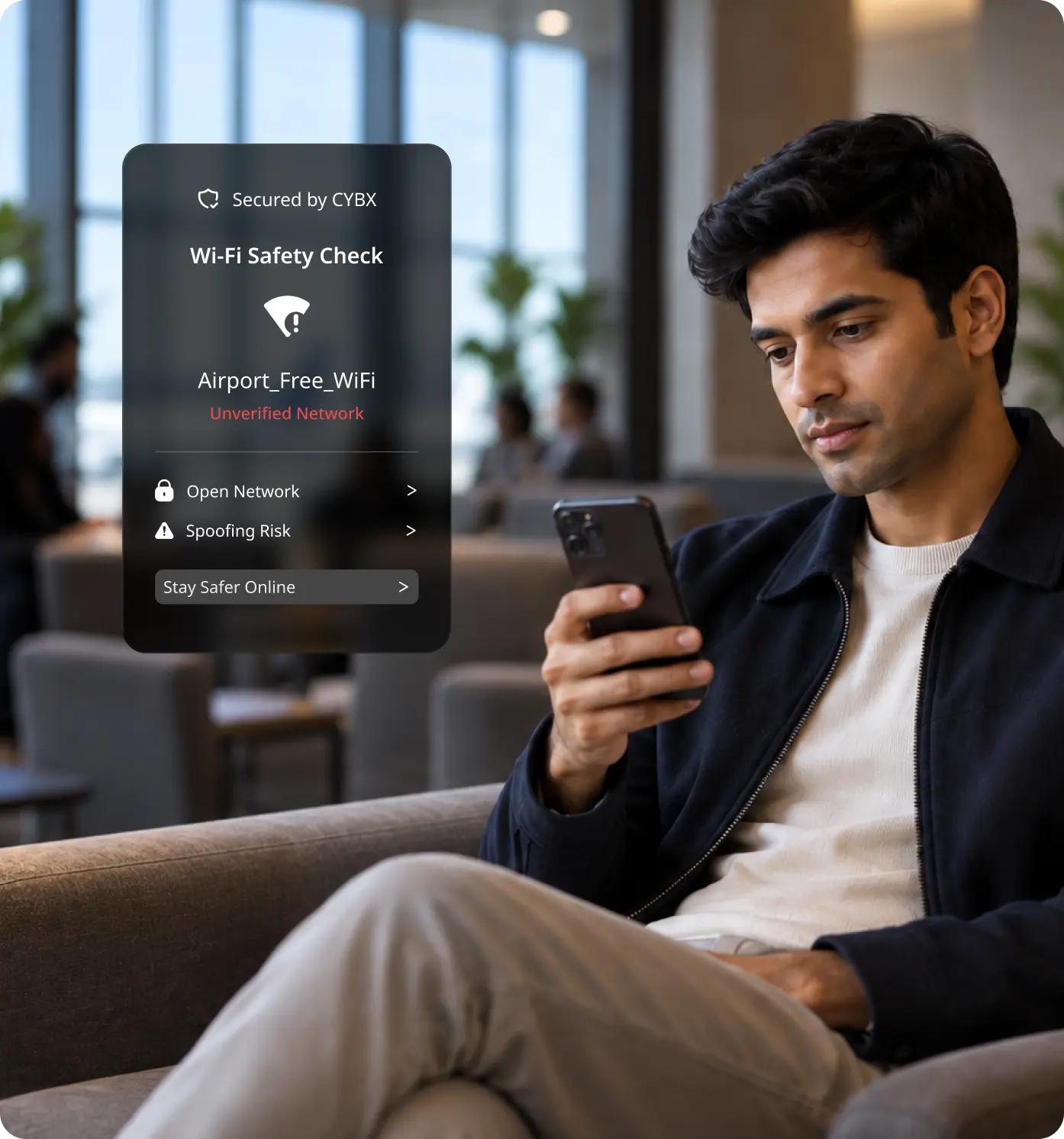
Fake Wi-Fi can appear anywhere public connectivity is common, including airports, hotels, cafés, restaurants and other shared spaces. A WiFi security detector can help you assess the network before you use it for sensitive activity.
What Is an Evil Twin WiFi Attack?
An evil twin attack occurs when an attacker creates a rogue Wi-Fi access point that impersonates a legitimate network. Because the fake network may use the same or a very similar SSID, it can look familiar to someone searching for Wi-Fi.
Once a device connects, the attacker may attempt to intercept traffic, redirect users to malicious pages or capture information entered into fraudulent login forms. The exact risk depends on the attack, network configuration, device and the information a user sends.
How to Use CYBX Fake WiFi Detection
- 1.1. Open CYBX - Launch CYBX before connecting to an unfamiliar public Wi-Fi network.
- 2.2. Check the network - Use the available Wi-Fi security or network-checking functionality to review the connection and any suspicious indicators surfaced by CYBX.
- 3.3. Look for red flags - Pay attention to unexpected network names, duplicate SSIDs, unusual connection behavior or prompts asking for sensitive information.
- 4.4. Avoid sensitive actions - If a network appears suspicious, do not use it for banking, passwords, OTPs or other sensitive activity.
- 5.5. Protect your device - Keep your device and apps updated and use CYBX's broader security features for additional protection.
Fake Public WiFi Detector: Where Should You Be Careful?
Airport Wi-Fi: Verify the network name and follow the airport's official connection instructions rather than selecting a similar-looking hotspot.
Hotel Wi-Fi: Ask reception for the exact network name and any required login process.
Café or restaurant Wi-Fi: Confirm the SSID with staff when multiple similar networks appear.
Public hotspot: Treat open or unfamiliar networks as untrusted until you have assessed them.
Fake WiFi near me: If a suspicious duplicate network appears nearby, avoid connecting simply because its signal is stronger.
How to Detect an Evil Twin WiFi Network
- •Check for duplicate or unusually similar Wi-Fi names.
- •Confirm the official SSID with the venue or network operator.
- •Be cautious when a network suddenly appears with a stronger signal than the expected network.
- •Do not trust a login page simply because it uses familiar branding.
- •Do not enter passwords, banking information, OTPs or card details into unexpected Wi-Fi portals.
- •Use HTTPS-enabled services and keep your device security protections enabled.
- •Disconnect if the connection behaves unexpectedly, repeatedly redirects you or requests unusually sensitive information.
Benefits of a WiFi Threat Detector
- Spot suspicious networks - Get an additional security signal before trusting an unfamiliar Wi-Fi connection.
- Improve public WiFi safety - Use a more deliberate process when connecting at airports, hotels, cafés and other public locations.
- Understand evil-twin risks - Learn why a familiar Wi-Fi name does not automatically mean the network is genuine.
- Reduce risky connections - Avoid connecting to suspicious or insecure networks when safer alternatives are available.
- Protect sensitive activity - Recognize when public Wi-Fi should not be used for banking, passwords or other sensitive actions.
- Security beyond Wi-Fi - CYBX brings Wi-Fi awareness together with broader digital-protection features.
Why Choose CYBX?
- •CYBX is positioned as a broader consumer cybersecurity platform rather than only a Wi-Fi utility.
- •Wi-Fi security awareness can sit alongside other digital-security protections in one experience.
- •The page directly addresses fake Wi-Fi, rogue access points, suspicious networks and evil-twin attacks.
- •CYBX can turn technical Wi-Fi security concepts into practical guidance for everyday users.
- •Security messaging should remain transparent: detection is a risk signal, not a promise that every malicious network can be identified.
FAQ: Fake WiFi Detector & Evil Twin WiFi
What is a fake WiFi network?
A fake WiFi network is a wireless network created or configured to appear like a legitimate network. It may be used to trick people into connecting.
What is an evil twin WiFi attack?
An evil twin attack uses a rogue access point that impersonates a legitimate Wi-Fi network, often by using the same or a similar network name.
How do I know if WiFi is an evil twin?
Look for duplicate SSIDs, unexpected networks, unusual login prompts and other inconsistencies. Confirm the official network details with the venue when possible.
Can a fake WiFi network have the same name as the real one?
Yes. That is one reason evil twin attacks can be difficult for users to recognize from the Wi-Fi name alone.
Does a stronger WiFi signal mean the network is safe?
No. Signal strength does not prove that a network is legitimate. A rogue access point may deliberately provide a strong signal.
What is a rogue access point detector?
It is a security capability designed to identify access points that may be unauthorized or impersonating a trusted wireless network.
Can CYBX detect every fake WiFi network?
No security tool should promise perfect detection. Wi-Fi environments and attack techniques vary, so users should combine technical signals with safe connection practices.
Can I use a fake WiFi detector at an airport?
A Wi-Fi security checker can help you assess suspicious networks, but you should also confirm the airport's official SSID and avoid entering sensitive information into unexpected portals.
How does evil twin WiFi work?
An attacker creates a rogue access point that resembles a trusted network. A user connects, believing it is legitimate, and the attacker may then attempt to intercept or manipulate traffic.
How can I prevent evil twin WiFi attacks?
Verify network details, avoid sensitive activity on unfamiliar public Wi-Fi, keep your device updated, use secure connections and disconnect when a network behaves suspiciously.
Is public WiFi safe?
Public Wi-Fi is not automatically unsafe, but it should be treated as an untrusted environment. Use caution and avoid sensitive actions on networks you cannot verify.
Is CYBX available for Android and iPhone?
CYBX's exact Wi-Fi security capabilities can vary by device and operating-system permissions. Use the current in-app setup and supported-device guidance for your platform.
Secure your
device with CYBX.
Complete mobile protection against phishing, malware, fraud and data theft. Free for the first 14 days.
Trusted by over 500,000 users. Prefer to subscribe on the web and save?
See web prices

Scan to download
CYBX website · iOS and Android